

































8
5
VBA 字典判断指定键值是否存在(适合Excel VBA等Office VBA环境 )
2025-04-03 10:15:39
1点赞
1收藏
0评论
VBA 字典判断指定键值是否存在(适合Excel VBA及Access VBA)
在VBA中使用字典(Dictionary)对象时,经常需要判断某个键值是否存在。以下是几种判断字典中键值是否存在的方法:
方法1:使用Exists方法
Dim dict As Object
Set dict = CreateObject("Scripting.Dictionary")

' 添加一些键值对
dict.Add "Key1", "Value1"
dict.Add "Key2", "Value2"

' 判断键是否存在
If dict.Exists("Key1") Then
    MsgBox "Key1 存在,对应的值是: " & dict("Key1")
Else
    MsgBox "Key1 不存在"
End If

If dict.Exists("Key3") Then
    MsgBox "Key3 存在"
Else
    MsgBox "Key3 不存在"
End If
方法2:使用错误处理
Function KeyExists(dict As Object, key As Variant) As Boolean
    On Error Resume Next
    Dim temp As Variant
    temp = dict(key)
    KeyExists = (Err.Number = 0)
    On Error GoTo 0
End Function

' 使用示例
If KeyExists(dict, "Key1") Then
    MsgBox "Key1 存在"
Else
    MsgBox "Key1 不存在"
End If
方法3:遍历所有键检查
虽然效率较低,但在某些特殊情况下可能需要:
Function KeyExistsByLoop(dict As Object, key As Variant) As Boolean
    Dim k As Variant
    For Each k In dict.Keys
        If k = key Then
            KeyExistsByLoop = True
            Exit Function
        End If
    Next k
    KeyExistsByLoop = False
End Function
注意事项
字典的键是区分大小写的,除非设置 dict.CompareMode = vbTextCompare 使其不区分大小写
使用Exists方法是最高效的判断方式
在尝试访问不存在的键时,字典会抛出错误,所以直接访问前最好先判断
完整示例
Sub TestDictionaryExists()
    Dim dict As Object
    Set dict = CreateObject("Scripting.Dictionary")

    ' 设置不区分大小写
    dict.CompareMode = vbTextCompare

    ' 添加数据
    dict.Add "Name", "John"
    dict.Add "Age", 30
    dict.Add "City", "New York"

    ' 检查键是否存在
    Debug.Print "Name exists: " & dict.Exists("Name")  ' True
    Debug.Print "AGE exists: " & dict.Exists("AGE")    ' True (因为不区分大小写)
    Debug.Print "Country exists: " & dict.Exists("Country") ' False

    ' 另一种检查方式
    If Not dict.Exists("Salary") Then
        dict.Add "Salary", 50000
    End If

    ' 显示所有键值
    Dim key As Variant
    For Each key In dict.Keys
        Debug.Print key & ": " & dict(key)
    Next key
End Sub
以上代码展示了在VBA中判断字典键值是否存在的几种方法,推荐使用第一种方法,即直接使用字典的Exists方法,这是最简洁高效的方式。
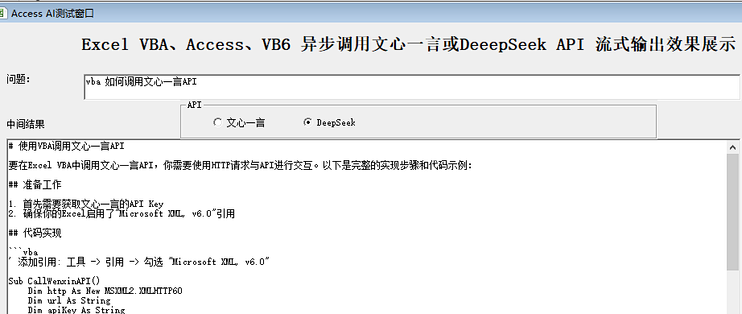
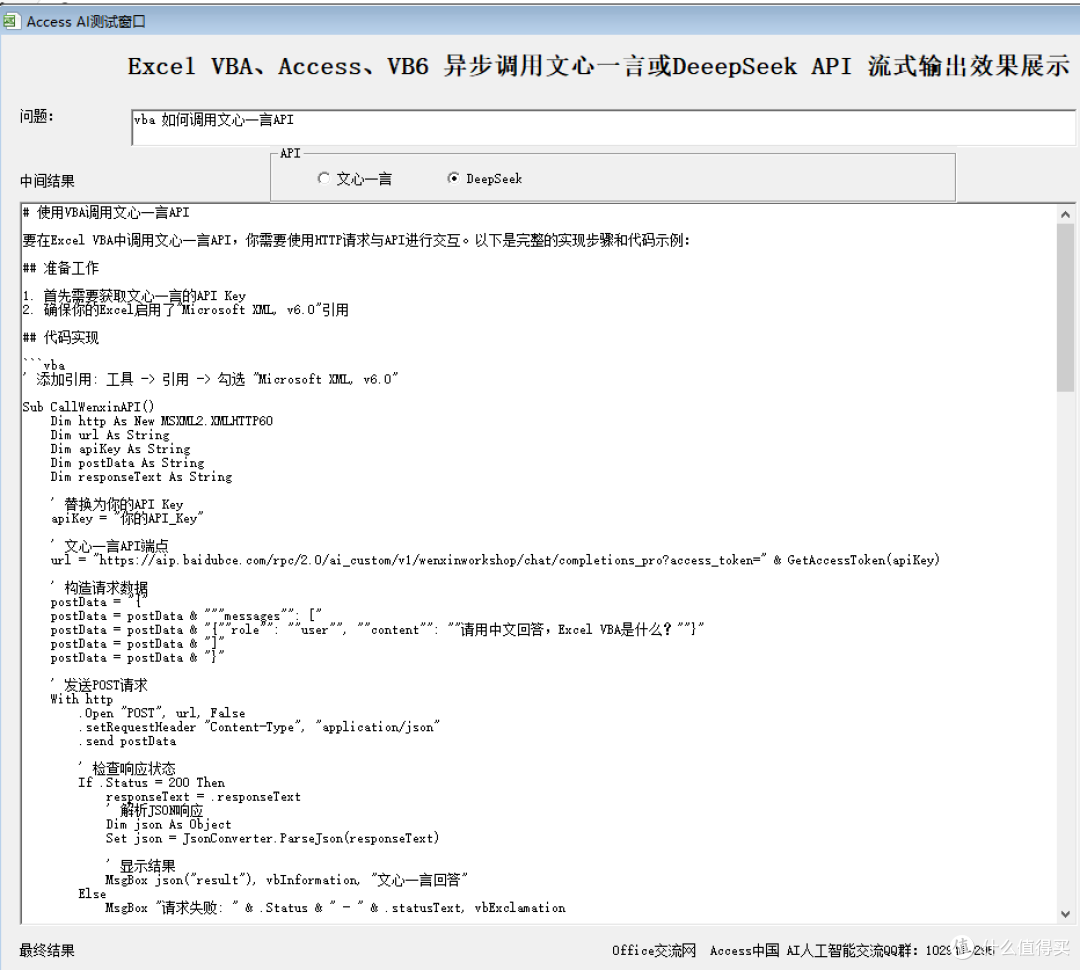
此代码应用在我们的VBA调用Deepseek的工具产品中
一起交流 VBA及Office 。可关注我。