




















9
8
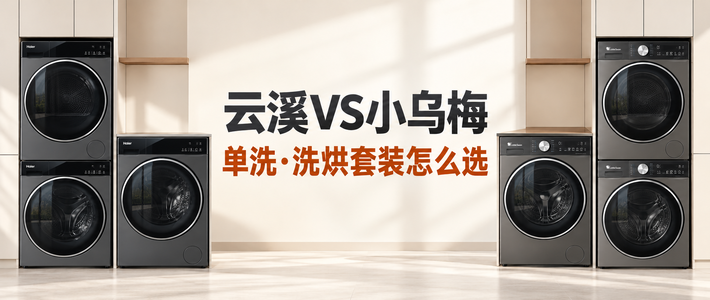
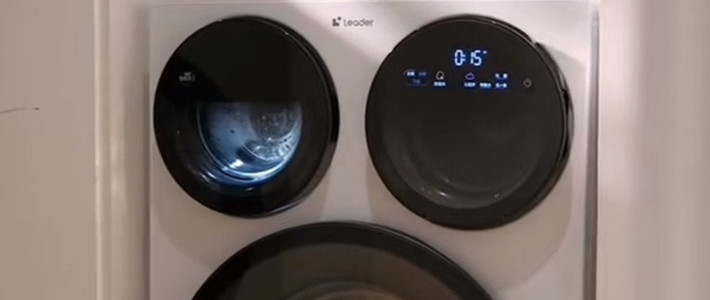
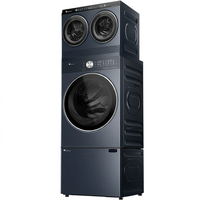
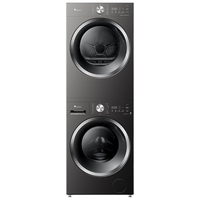
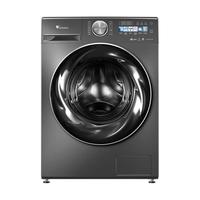
小天鹅小乌梅3.0洗烘套装接入到Homeassisant
2025-06-25 10:00:24
5点赞
3收藏
0评论
准备工作
已经安装好Home Assistant
确保Home Assistant中已安装HACS
在HACS中搜索'Midea AC LAN'并安装,或者从Latest release下载最新的Release版本,将其中的custom_components/midea_ac_lan放到你的Home Assistant的custom_components/midea_ac_lan中
重启Home Assistant如果HACS搜索不到'Midea AC LAN',打开HACS, 点击[Custom repositories], Repository 输入: https://github.com/georgezhao2010/midea_ac_lan, Category 选择 [Integration] 重启Home Assistant.
安装完毕上述插件重启homeassistant
接入
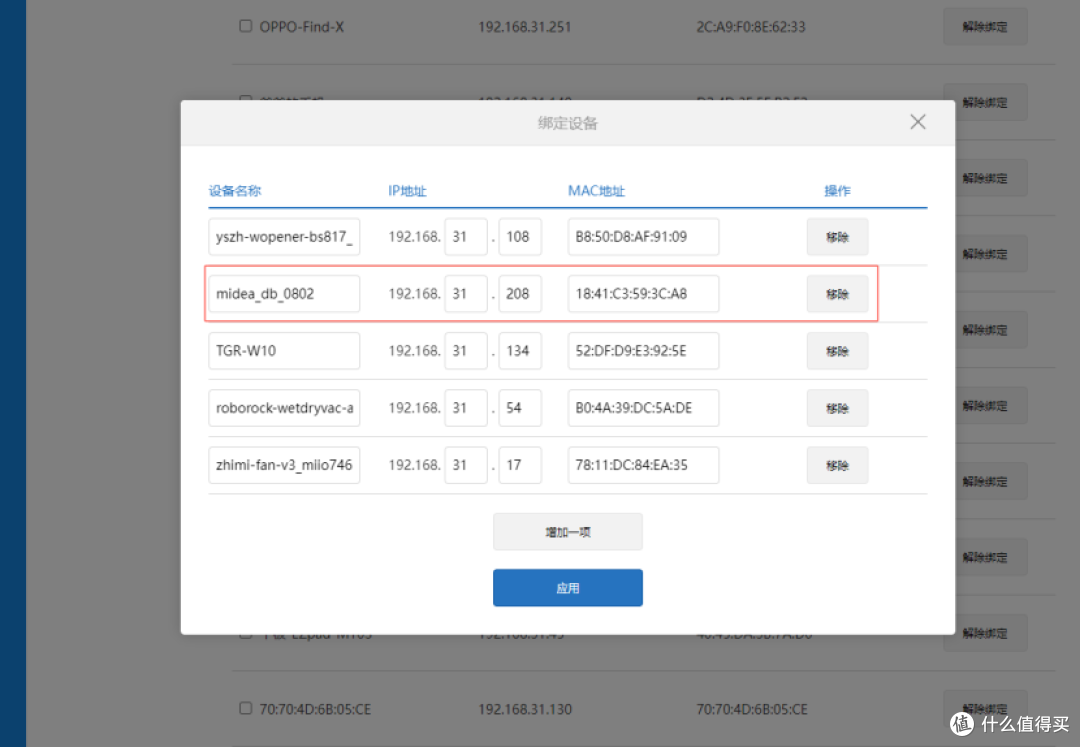
路由器查看一下你接入的设备信息IP,将设备的MAC地址IP绑定,防止IP变动导致后期接入失效
 PixPin_2025-06-24_21-00-04
 PixPin_2025-06-24_21-02-27
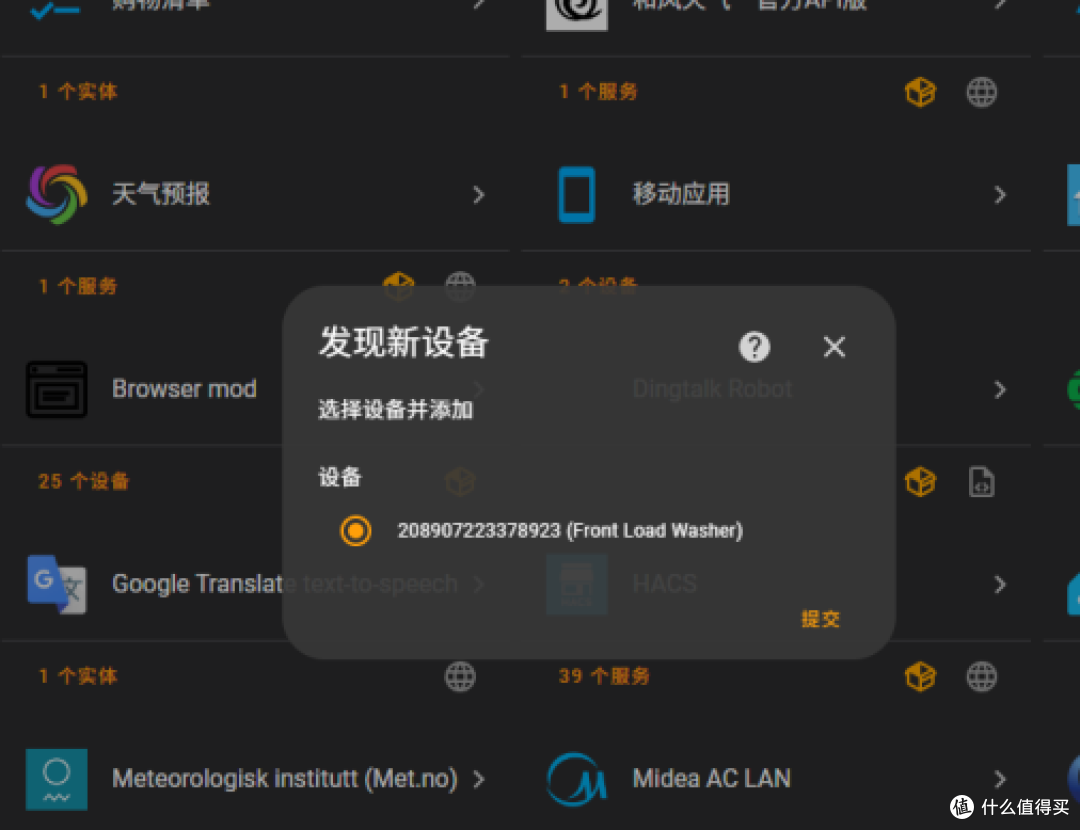
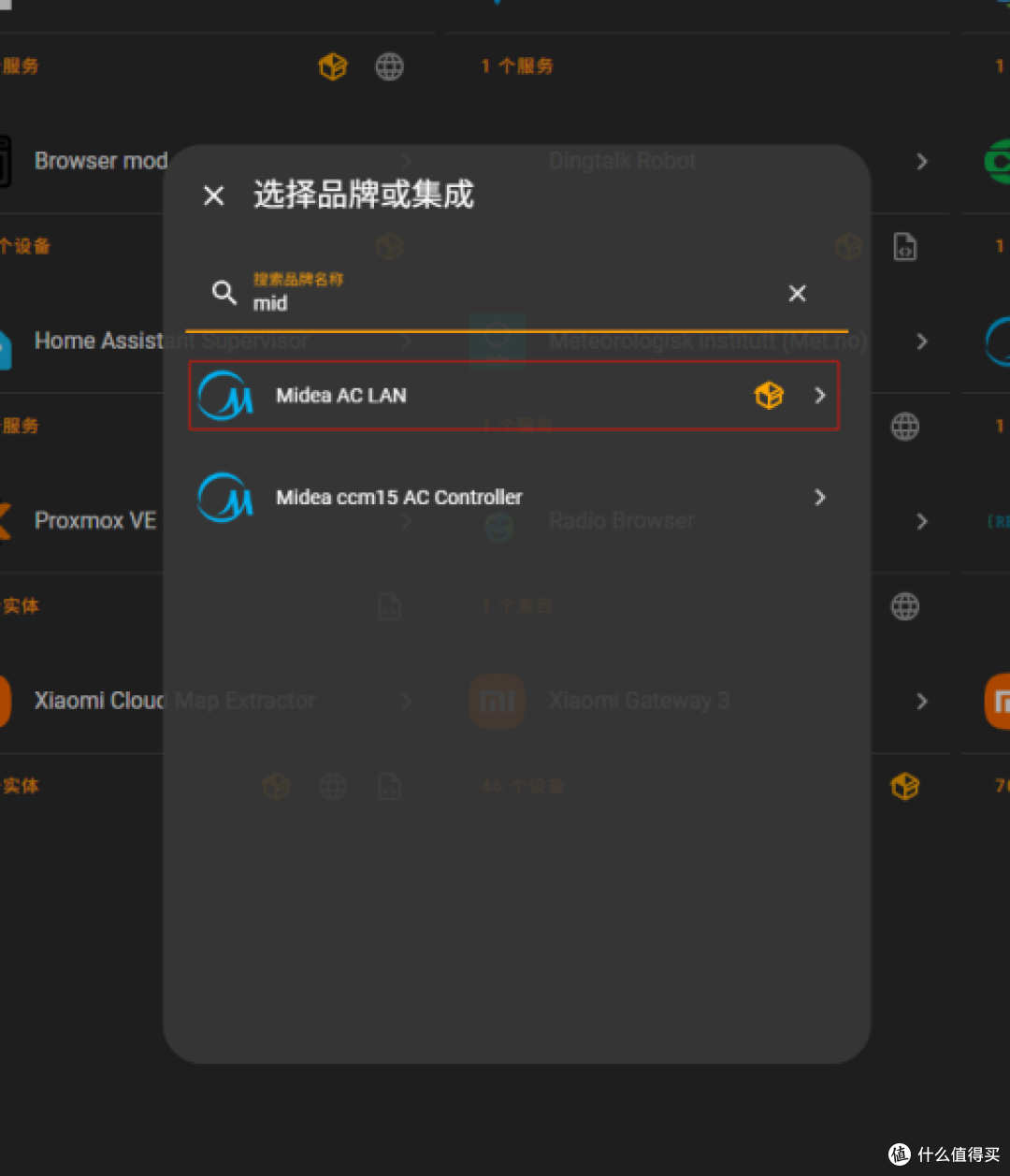
设置/设备服务/添加集成,搜索mid
 PixPin_2025-06-24_20-58-03
选择第一个,提交
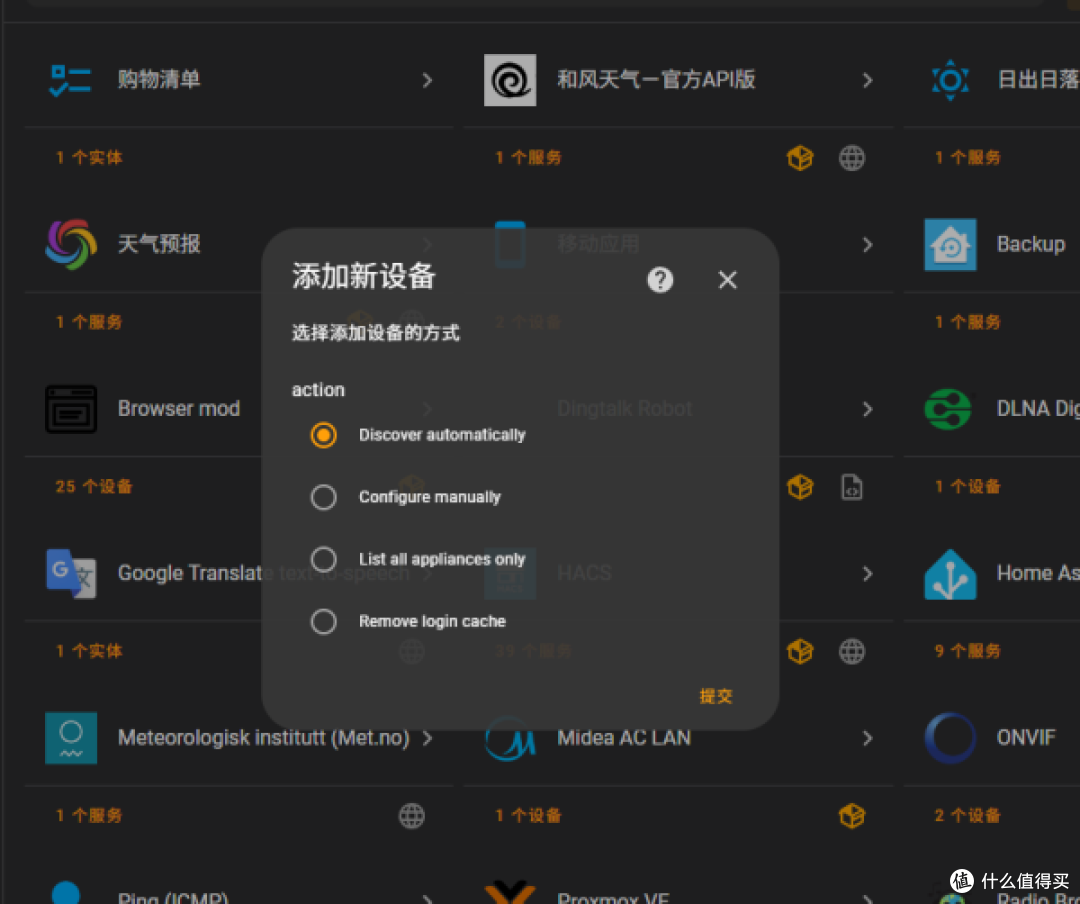 PixPin_2025-06-24_21-01-42
输入设备IP地址,或者自动
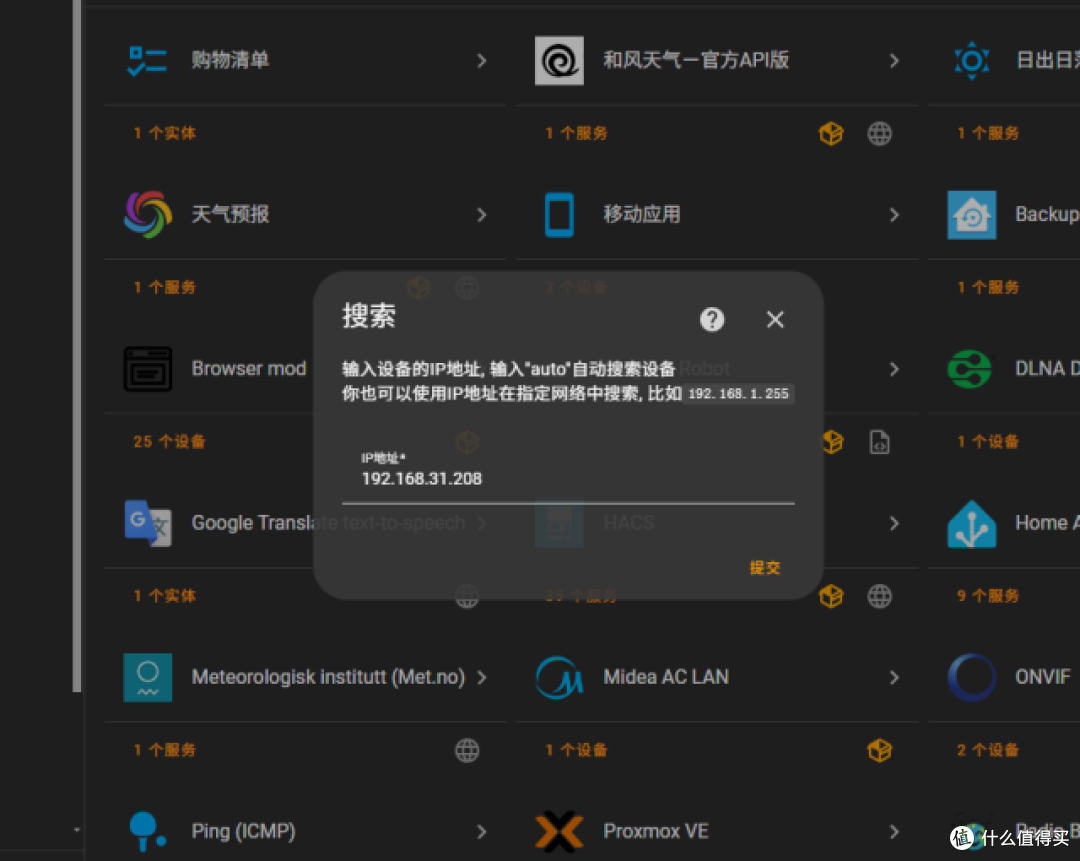 PixPin_2025-06-24_21-02-00
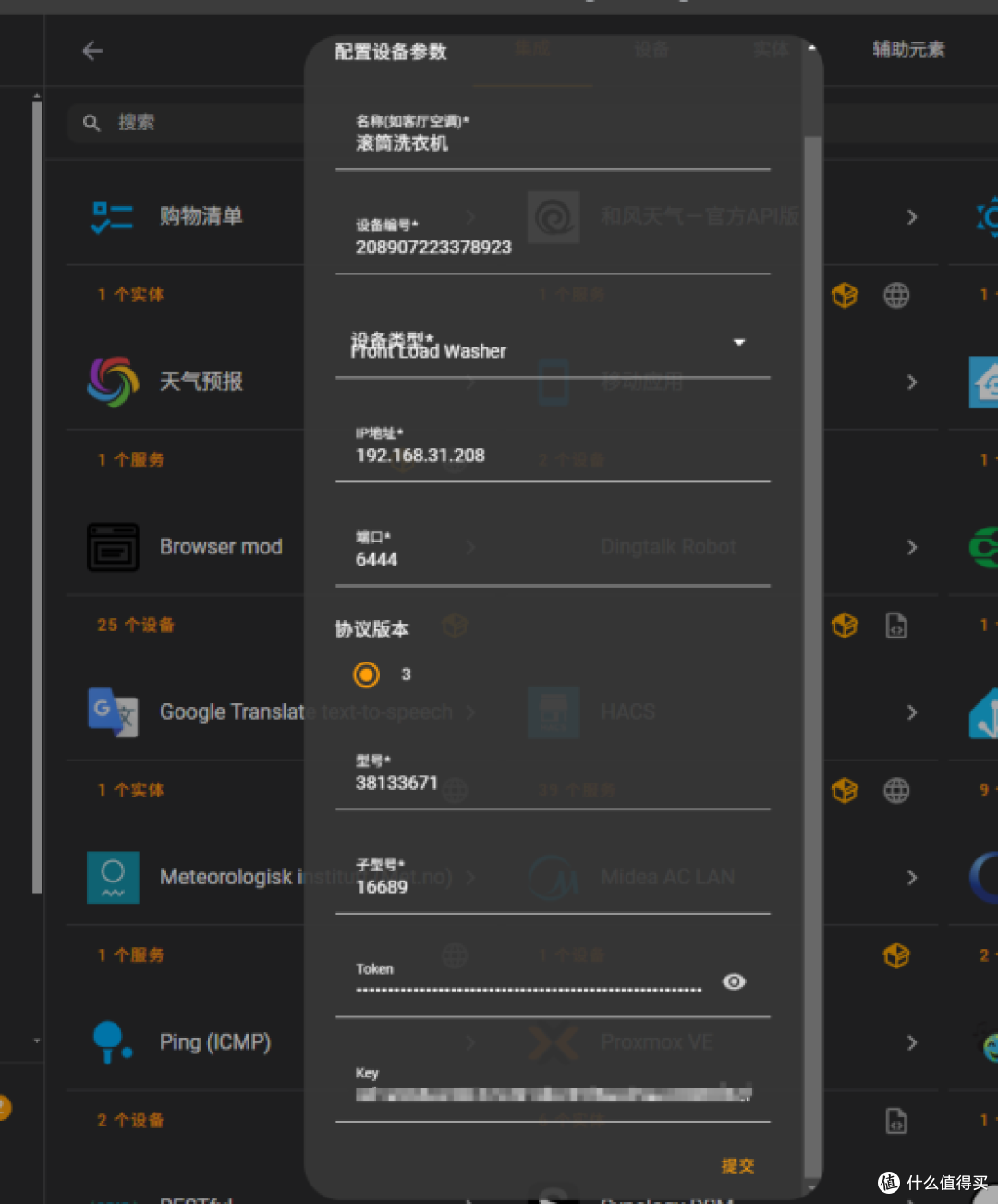 PixPin_2025-06-24_21-03-12
添加成功
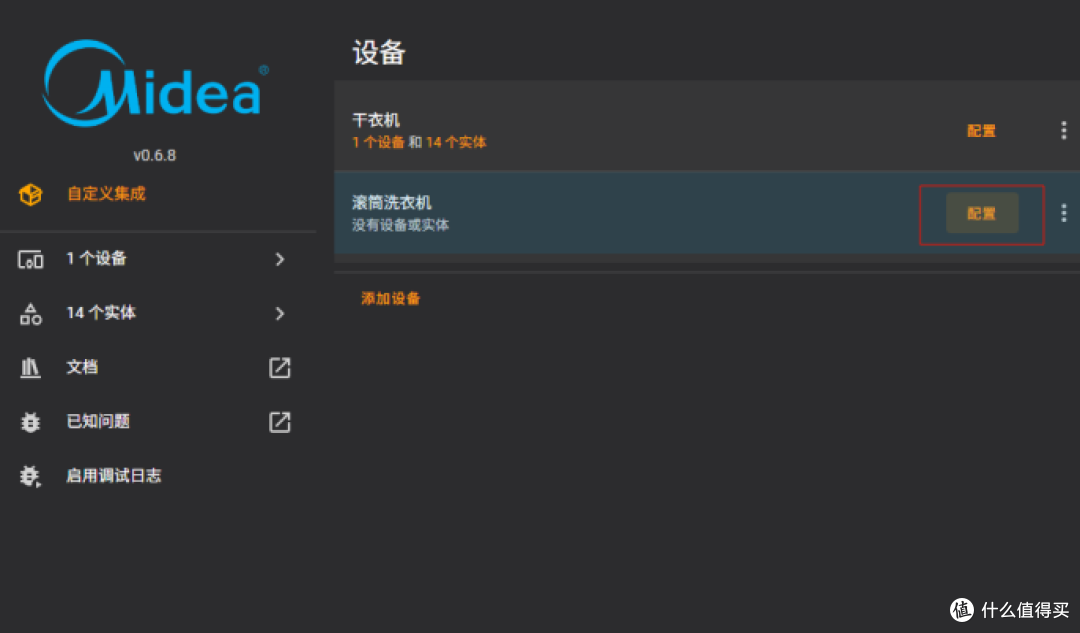 PixPin_2025-06-24_21-03-30
配置勾选所有传感器
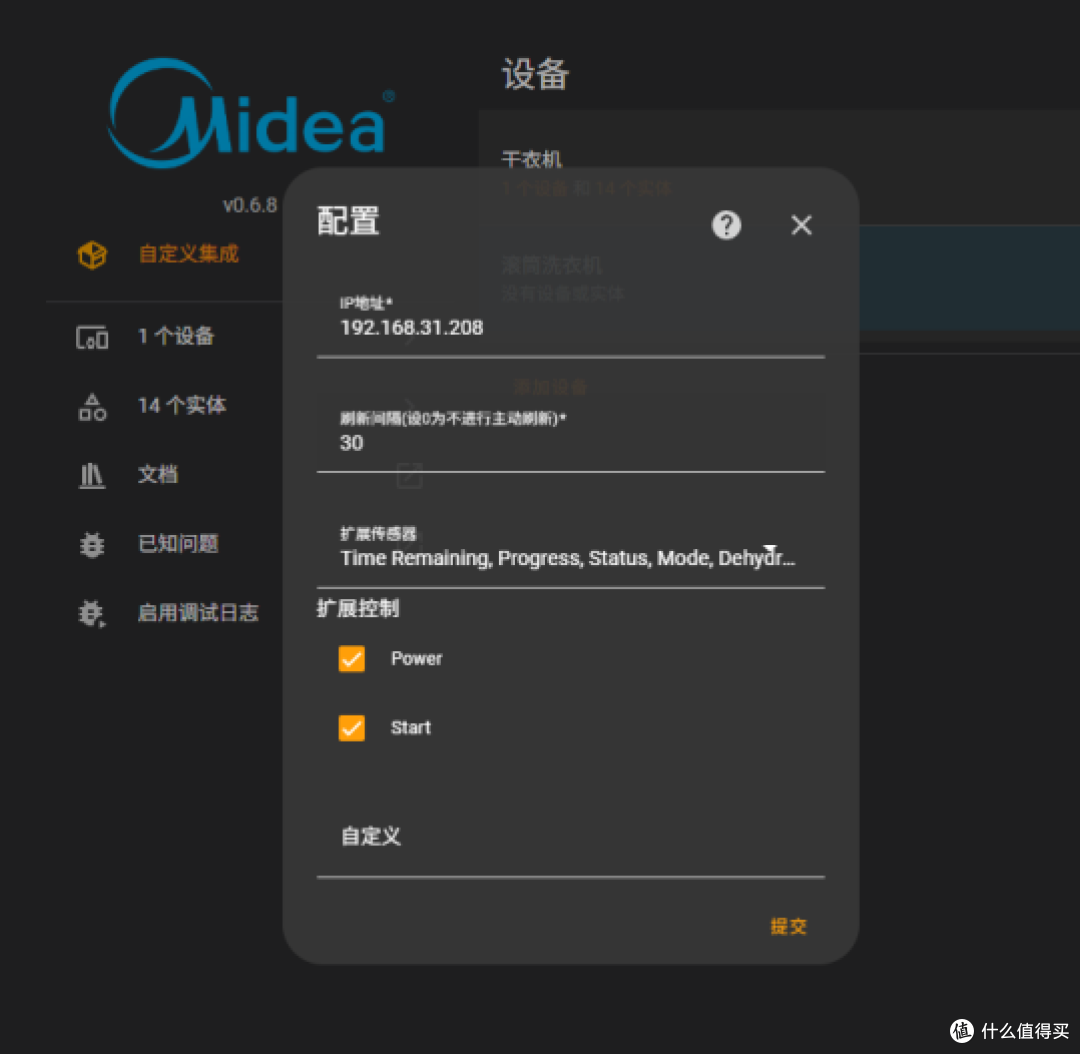 PixPin_2025-06-24_21-03-54
配置前端卡片
            info: '************************    洗衣机的工作状态    ************************'
          - type: image
            entity: switch.208907223378923_start
            style:
              top: 520px
              left: 1305px
              width: 50px
            state_image:
              'on': /local/pc_ui2/滚筒洗衣机工作中.gif
              'off': /local/pc_ui2/滚筒洗衣机暂停.png
            info: '************************    洗衣机的工作状态    ************************'
          - type: custom:stack-in-card
            cards:
              - type: markdown
                content: |-

            style:
              top: 530px
              left: 1400px
              width: 160px
              font-size: 12px
            info: '************************    烘衣机的工作状态    ************************'
          - type: image
            entity: switch.210006735067228_start
            style:
              top: 449px
              left: 1305px
              width: 50px
            state_image:
              'on': /local/pc_ui2/烘衣机工作中.gif
              'off': /local/pc_ui2/烘衣机暂停.png
            info: '************************    烘衣机工作状态文字    ************************'
          - type: custom:stack-in-card
            cards:
              - type: markdown
                content: |-

            style:
              top: 450px
              left: 1400px
              width: 160px
              font-size: 12px
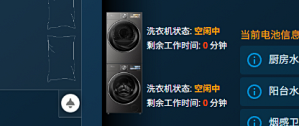
效果
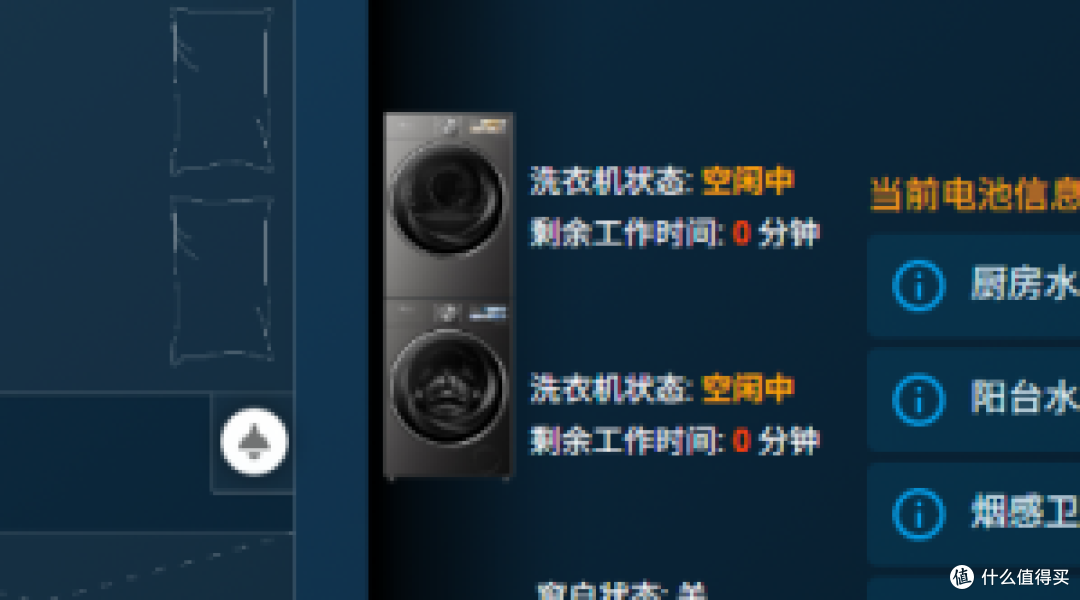
UI素材分享
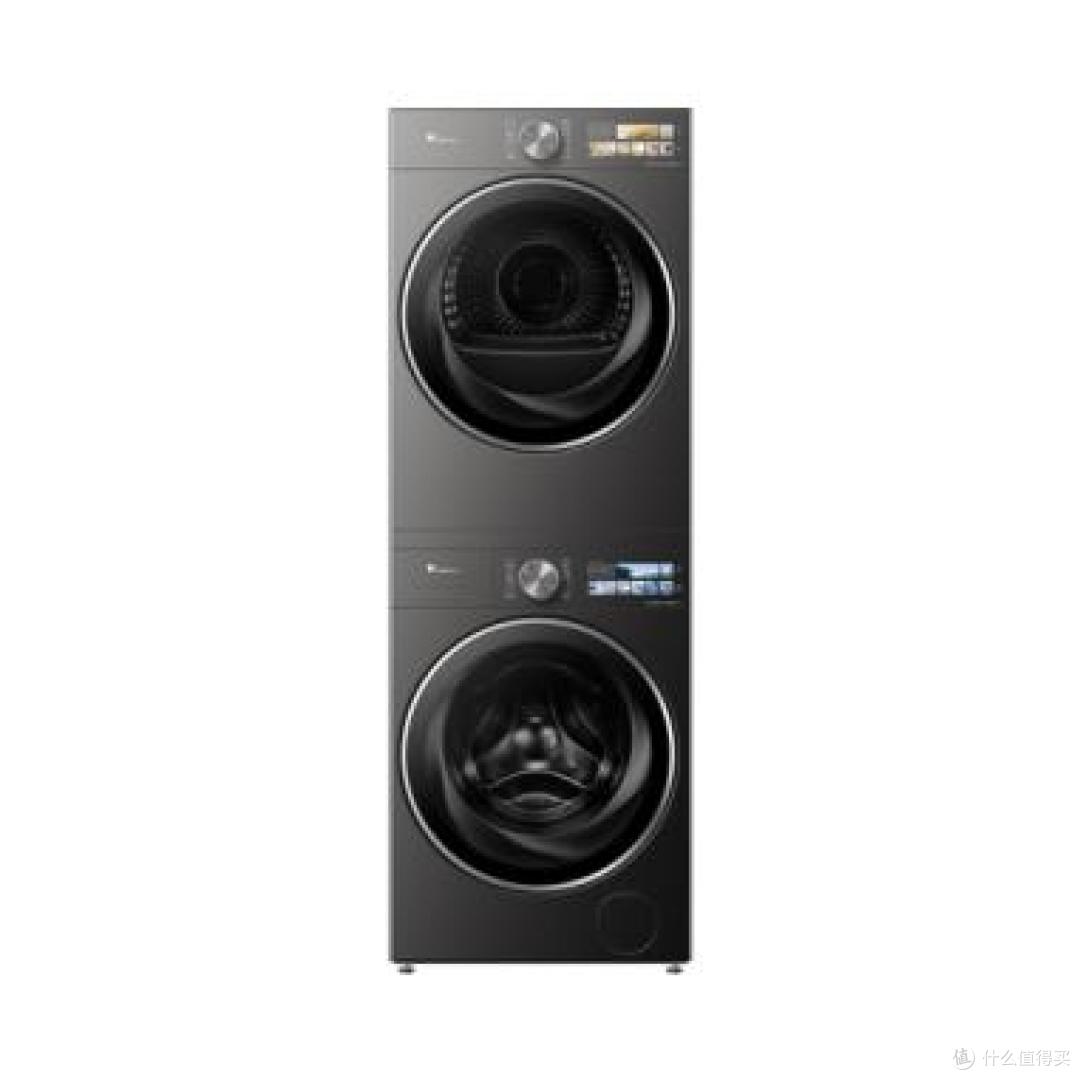
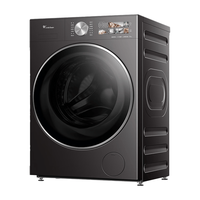
洗衣机工作中
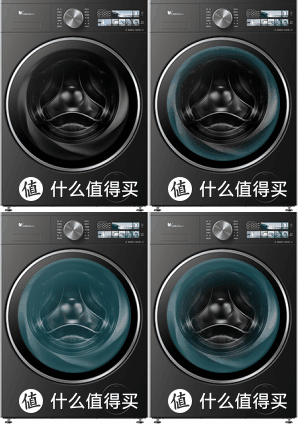
洗衣机暂停工作
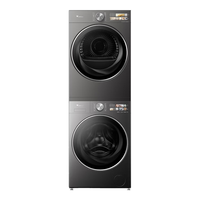
烘衣机工作中
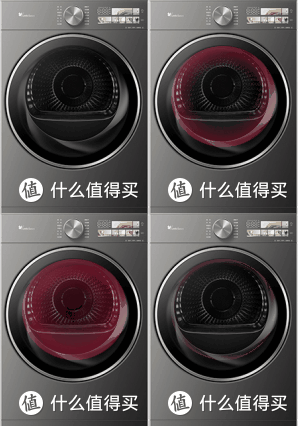
洪衣机暂停工作
补充:
作者声明本文无利益相关,欢迎值友理性交流,和谐讨论~