










































6
4
开源软件:MAC下识别公式并转为latex格式
2024-07-14 18:25:12
0点赞
1收藏
0评论
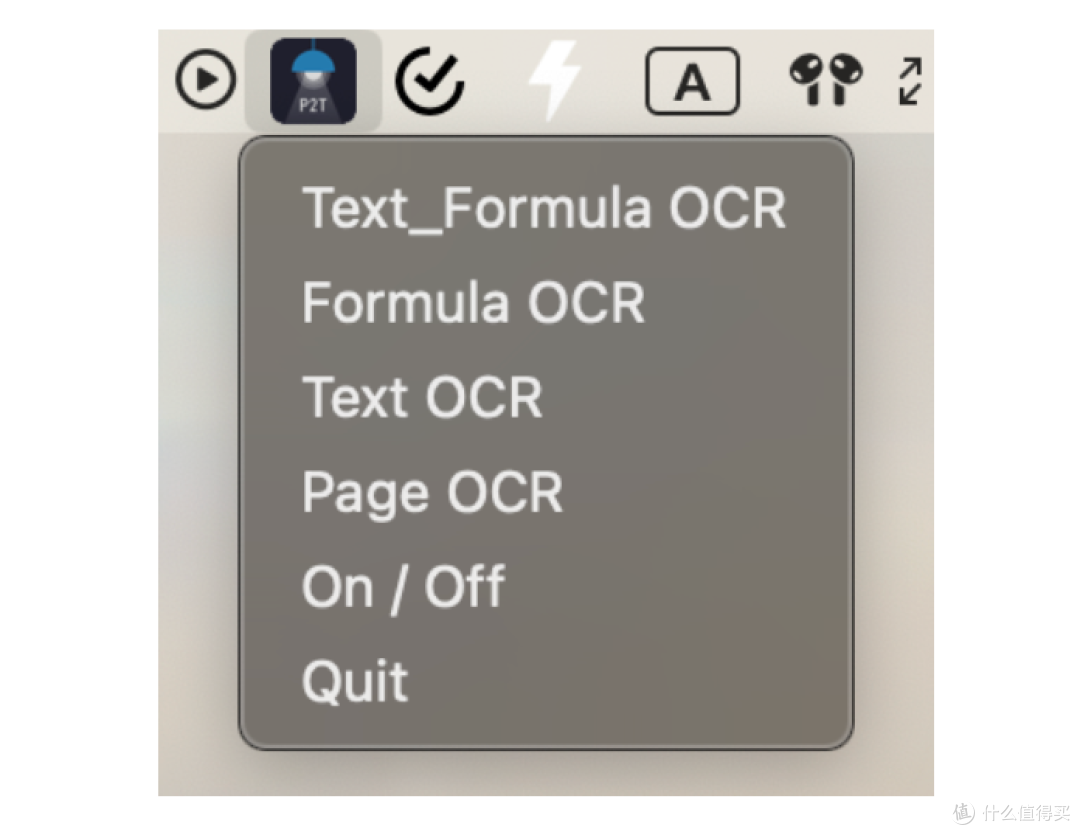
1. Clone the repository:
git clone https://github.com/breezedeus/Pix2Text-Mac
2. Install dependencies:
pip install -r requirements.txt
If you want to recognize text images in languages other than Simplified Chinese and English, please run the following command to install additional dependencies:
pip install pix2text[multilingual]>=1.1.0.1
3. Verify the installation is working correctly
Use the following command to verify if the installed Pix2Text is working normally:
p2t predict -l en,ch_sim --resized-shape 768 --file-type page -i assets/page.png -o output-page --save-debug-res output-debug-page
4. Package the application:
python setup.py py2app -A
You can find the application
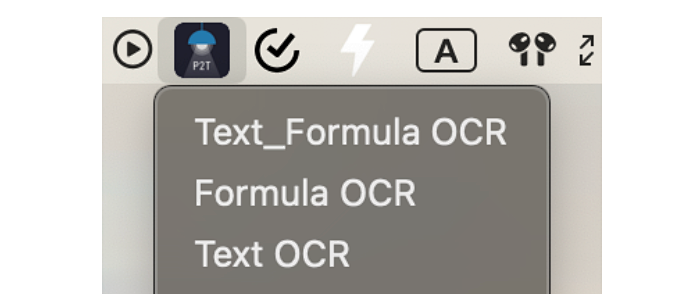
Pix2Text.appin the generateddistfolder. Double-click to open it, or move it to theApplicationsfolder.
其中第二步安装依赖的过程中可能会存在以下问题:
此时会出现如下报警
WARNING: The script p2t is installed in '/Users/xiaochaoxu/Library/Python/3.9/bin' which is not on PATH. Consider adding this directory to PATH or, if you prefer to suppress this warning, use --no-warn-script-location.
解决办法:
这个警告是由于你安装的某个Python包(名为p2t)的可执行文件安装在了一个不在系统的PATH环境变量中的目录下。PATH环境变量指定了系统在哪些目录中寻找可执行文件。你有几种解决这个问题的方式:
1. 将目录添加到PATH中:你可以手动将 /Users/xiaochaoxu/Library/Python/3.9/bin 这个目录添加到你的PATH环境变量中。在终端中执行以下命令:
```
export PATH="/Users/xiaochaoxu/Library/Python/3.9/bin:$PATH"
```
这会将该目录添加到当前会话的PATH中。如果希望永久添加,你可以将这个命令添加到你的shell配置文件中,比如 ~/.bash_profile 或 ~/.bashrc。
2. 修改安装目录:重新安装该包,并指定一个在PATH中的目录,比如 /usr/local/bin。你可以通过以下命令重新安装:
```
pip install --install-option="--prefix=/usr/local" p2t
```
这将会将可执行文件安装到 /usr/local/bin 目录下,这个目录通常已经在系统的PATH中了。
3. 忽略警告:如果你不打算使用这个包的命令行工具,你可以忽略这个警告。在执行安装命令时,加上 --no-warn-script-location 选项:
```
pip install p2t --no-warn-script-location
```
这会禁止显示关于脚本位置的警告信息。
选择其中一种方法来解决问题应该就可以了。