






















 深耕数码兴趣领域












7
5
小白也能愉快玩Homeassistant
2025-11-09 13:10:30
1点赞
17收藏
0评论
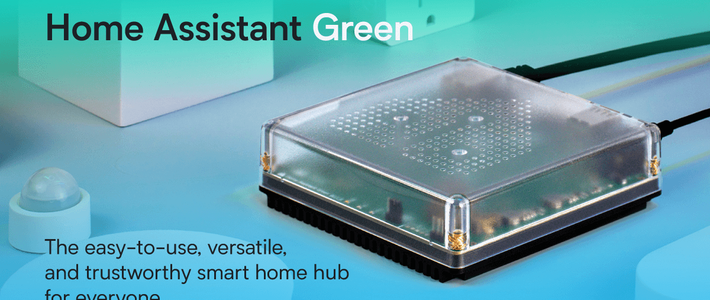
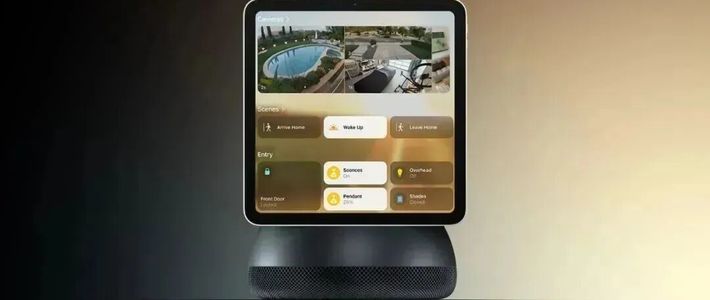
要玩智能家居绝对要学习homeassistant。它是除了小米智能家居的另一个性价比较高方案。各种S905芯片的盒子都可以刷该系统。几十元内如经典的斐讯N1,黑豹X2都是不错的选择,当然零成本在虚拟机上安装也是可以的。
今天我这里分享的在已安装好homeassistant设备上实现一日一句诗词的玩法。先看看效果:

下面就是具体的实现的步骤:
一,用SSH工具连接你的homeassistant设备获取token:ssh工具很多如Putty , MobaXterm_Portable 在这里我用MobaXterm_Portable做演示:
 打开MobaXterm点击会话
 点击新建会话
 选择ssh
选择ssh 远程主机输入你Homeassistant的IP 端口默认22最后点🆗
 分别输入你Hassistant 的SSH服务设置的账号和秘密
登陆成功后输入curl https://v2.jinrishici.com/token这串代码获取获取 Token。
"data":"xxxxxxxxxxxxxxxx"这个括号里面就是xxxxxxxxxxxxxxxxx就是token
二,利用获取的token测试接口是否可用:
接着在ssh工具里面输入curl -X GET -H 'X-User-Token: xxxxxxxxxxxxxxxxxx' -i 'https://v2.jinrishici.com/sentence'会返回一下信息表示接口正常

上面的准备工作做完接下来就是在homeassistant里面配置
1. 基础传感器配置
在 homesisstant 配置文件夹(config)找到configuration.yaml 用记事本打开并添加下面的代码:
sensor:
- platform: rest
name: daily_chinese_poem
method: GET
resource: https://v2.jinrishici.com/sentence
headers:
X-User-Token: xxxxxxxxxxxxxxxxxxxxxxxxx (此处替换你刚获取的token)
value_template: >
{{ value_json.data.content }}
json_attributes_path: $.data
json_attributes:
- id
- content
- origin
- author
- matchTags
- recommendedReason
- sentenceType
scan_interval: 3600 # 1小时检查一次
icon: mdi:book-open-variant
2. 自动化配置(确保每日更新)
在在 homesisstant 配置文件夹(config)找到 automations.yaml 用记事本打开中添加:
- alias: "每日更新古诗词句"
description: "每天早晨8点更新古诗词句"
trigger:
- platform: time
at: "08:00:00"
action:
- service: homeassistant.update_entity
target:
entity_id: sensor.daily_chinese_poem
- delay: "00:00:10" # 等待API响应
- service: notify.persistent_notification
data:
title: "📜 今日诗句"
message: >
{{ states('sensor.daily_chinese_poem') }}
{% set origin = state_attr('sensor.daily_chinese_poem', 'origin') %}
{% if origin %}
—— {{ origin.title }} · {{ origin.dynasty }}{{ origin.author }}
{% endif %}
最后就是在homeassistant主页面概览里面添加卡片:

点击右上角🖊的图标编辑仪表盘

点击新增部件并滑倒最下面有自定义卡片

在5的标记处删除原来的所有代码粘贴一下代码结果如右面这样就成功了。
type: vertical-stack
cards:
- type: markdown
content: |
## 📜 一日一句
{{ states('sensor.daily_chinese_poem') }}
{% set origin = state_attr('sensor.daily_chinese_poem', 'origin') %}
{% if origin %}
*—— {{ origin.title }} · {{ origin.dynasty }}{{ origin.author }}*
{% endif %}
{% set reason = state_attr('sensor.daily_chinese_poem', 'recommendedReason') %}
{% if reason %}
*{{ reason }}*
{% endif %}
title: 今日诗句
card_mod:
style: |
ha-card {
background: linear-gradient(135deg, #667eea 0%, #764ba2 100%);
color: white;
padding: 20px;
border-radius: 15px;
}
.markdown {
font-family: "SimSun", "宋体", serif;
}
- type: entities
entities:
- entity: sensor.daily_chinese_poem
name: 诗句详情
secondary_info: last-changed
state_color: true

最后重启home assistant设备能正常使用了。