











































16
17
在Mac版MathCapture中使用MathType公式字体
2026-10-18 12:57:30
0点赞
0收藏
0评论
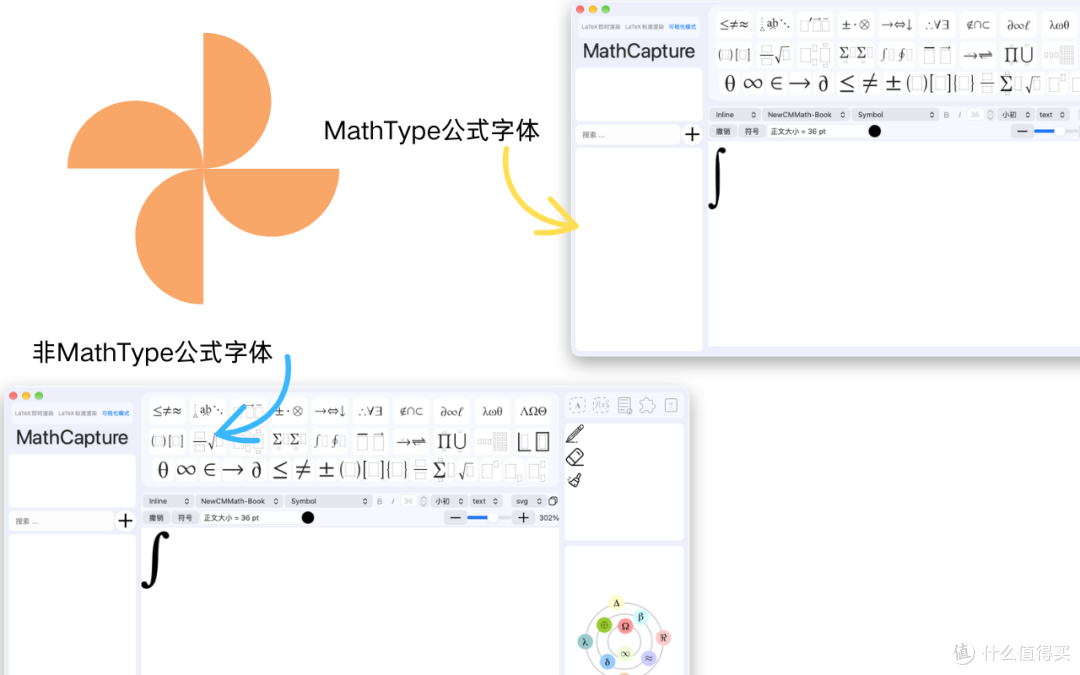
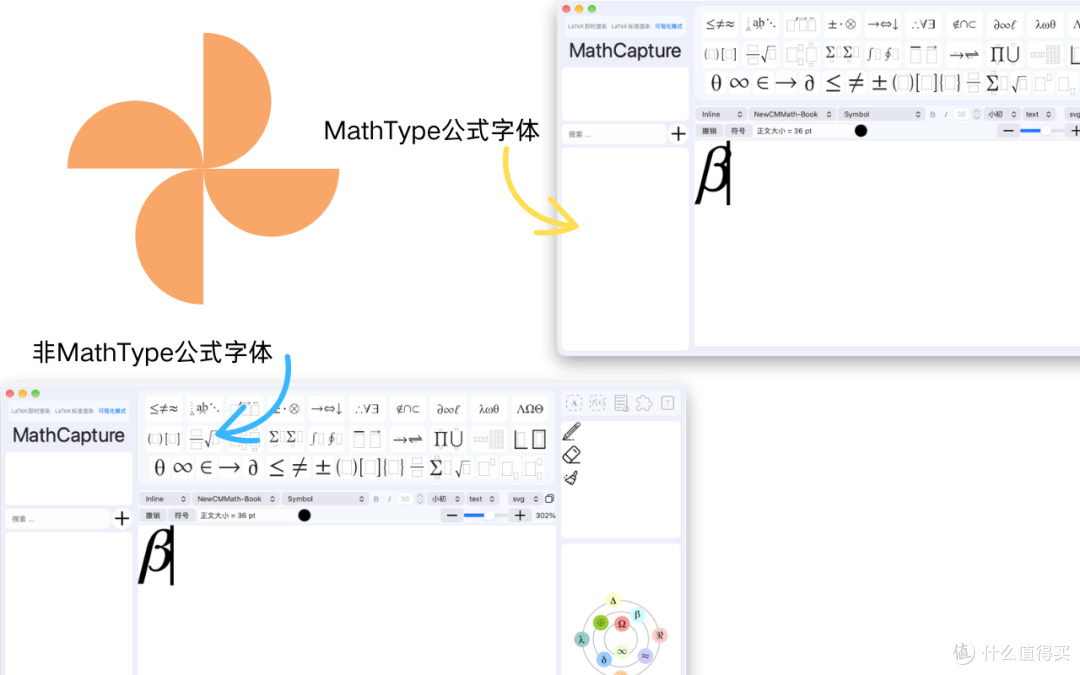
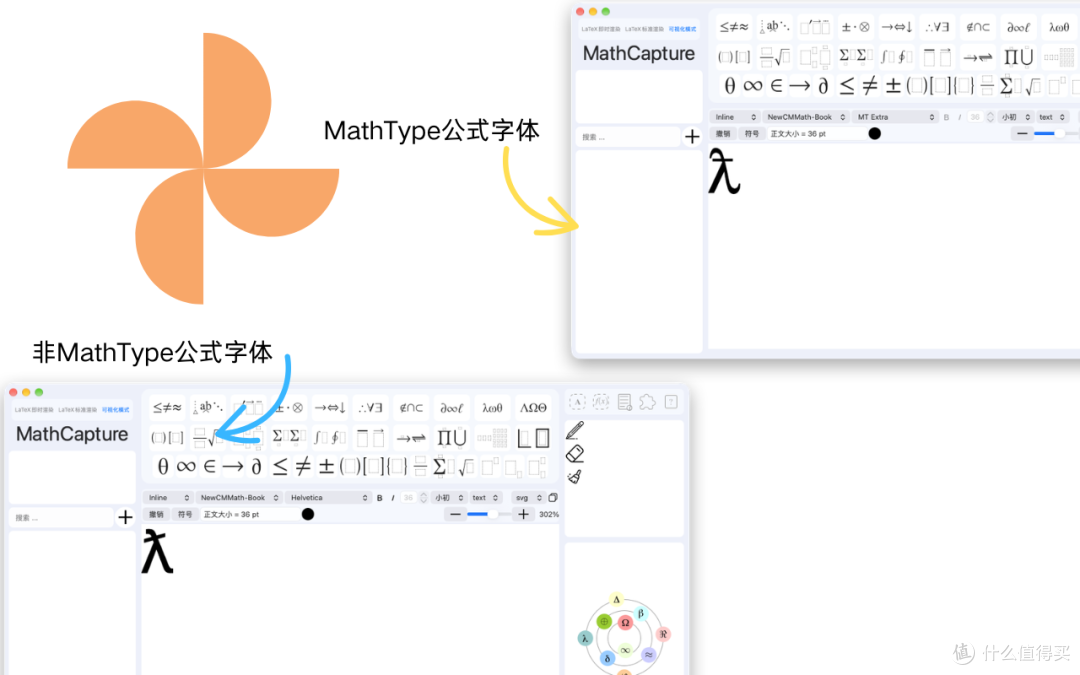
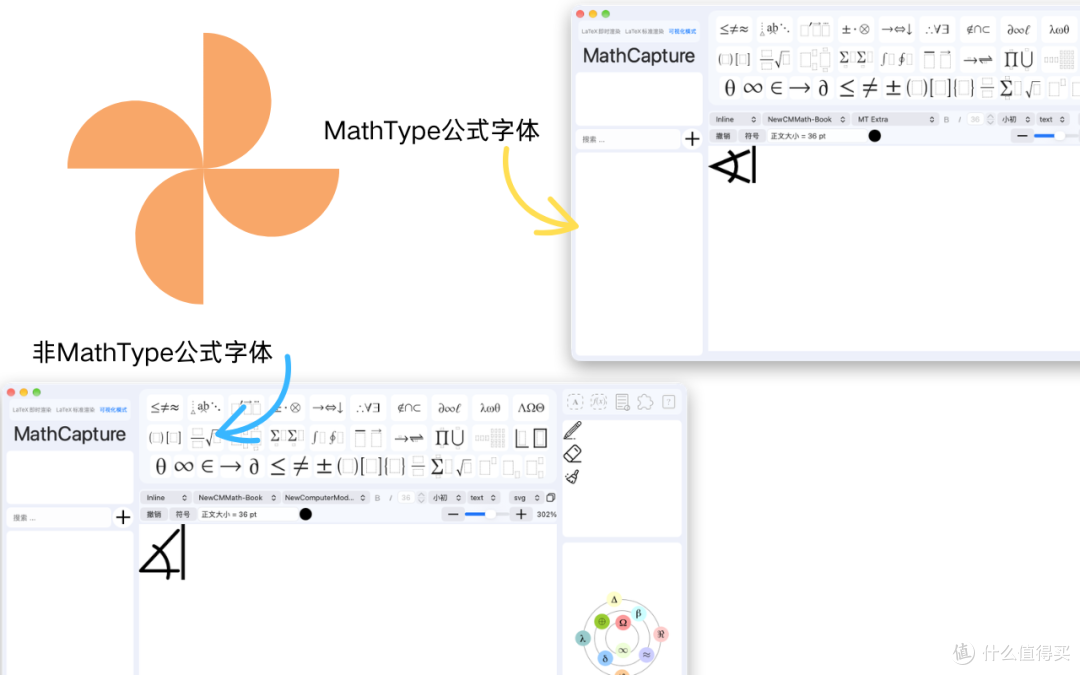
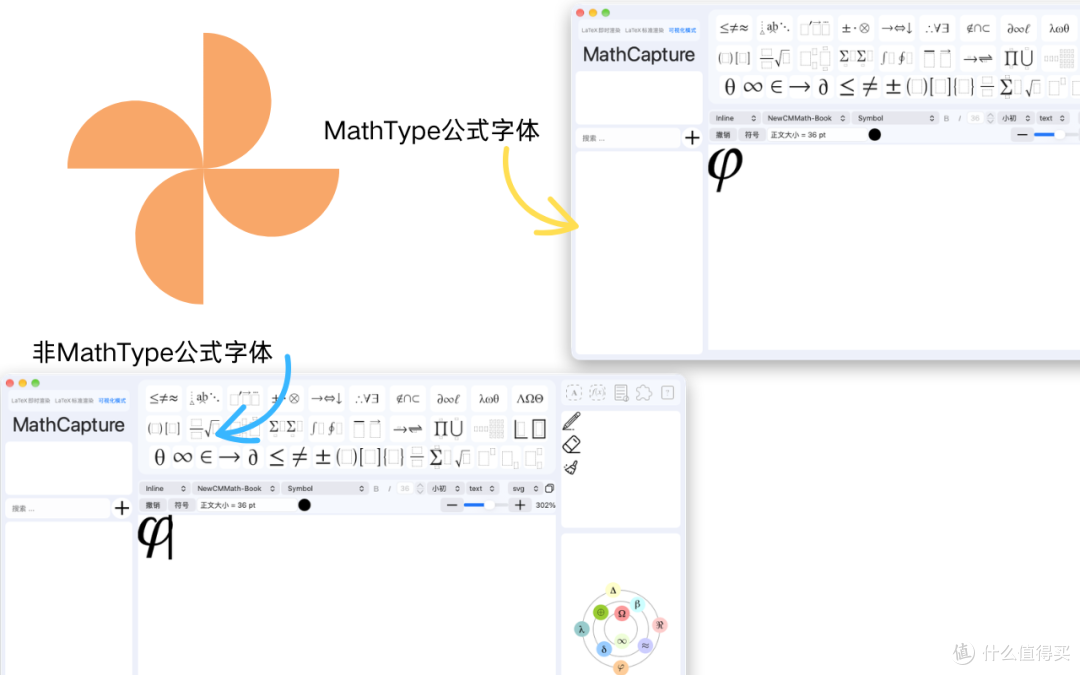
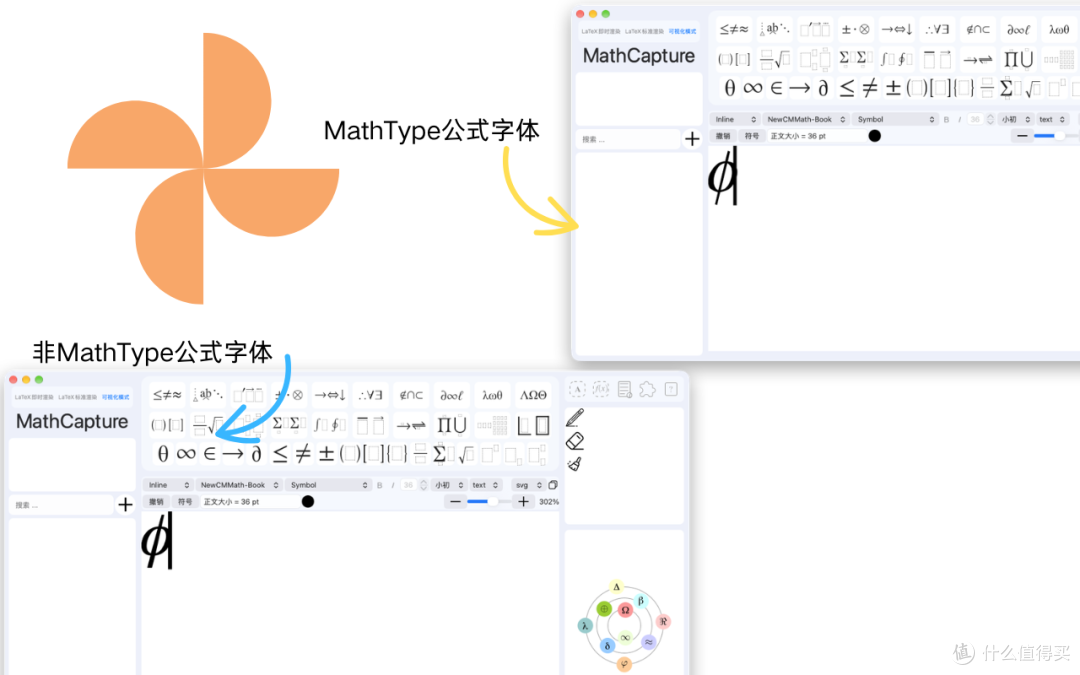
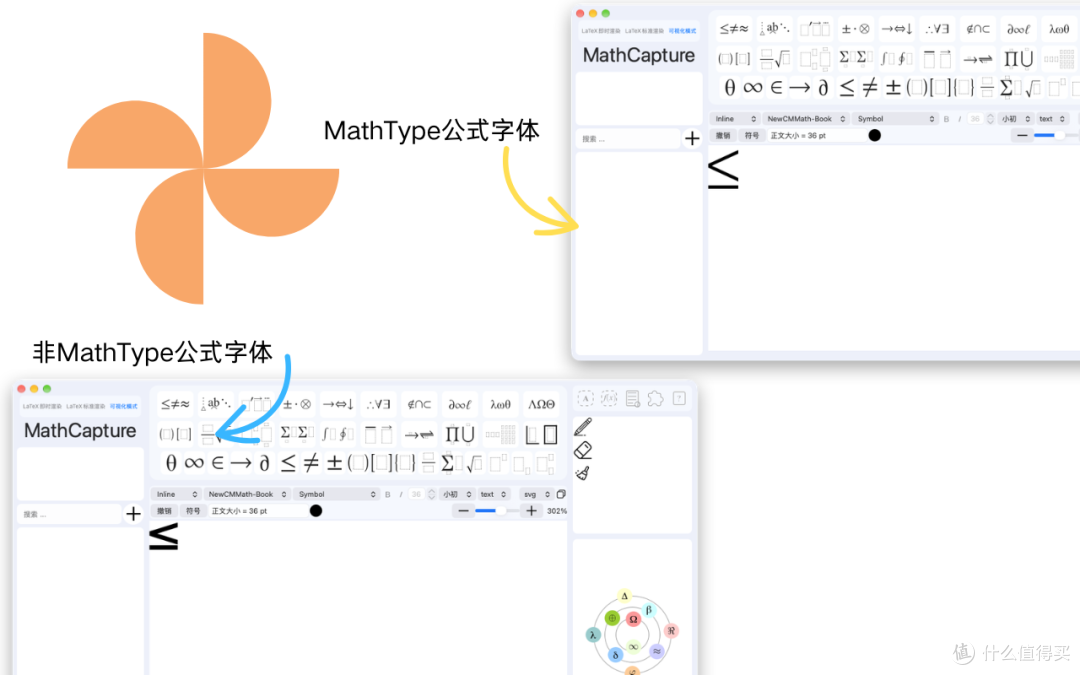
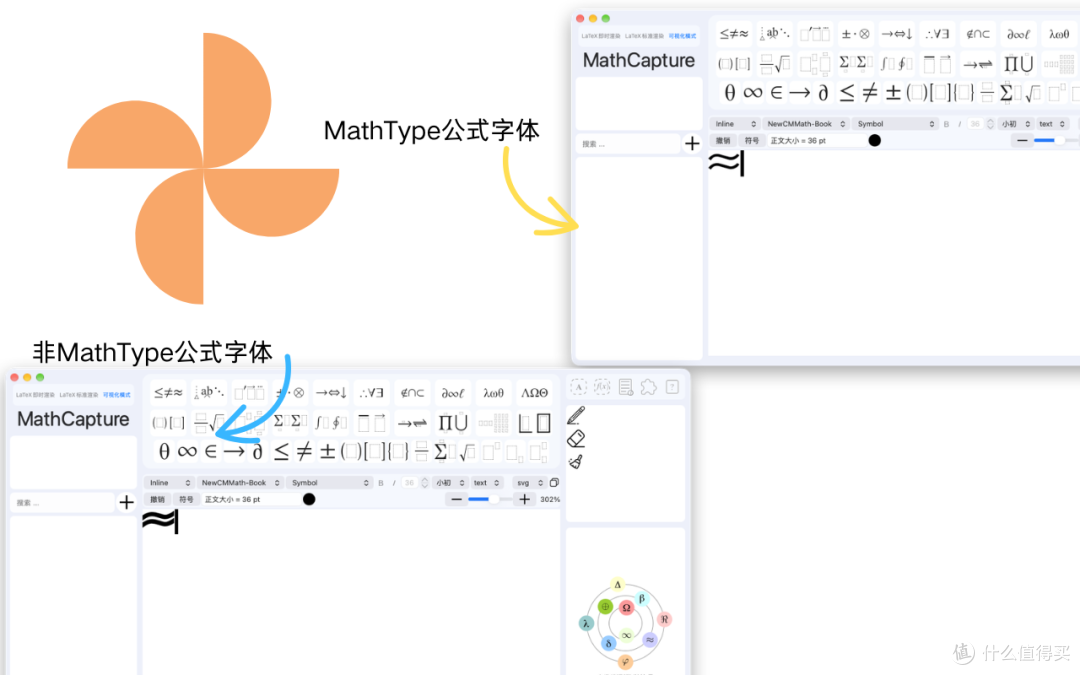
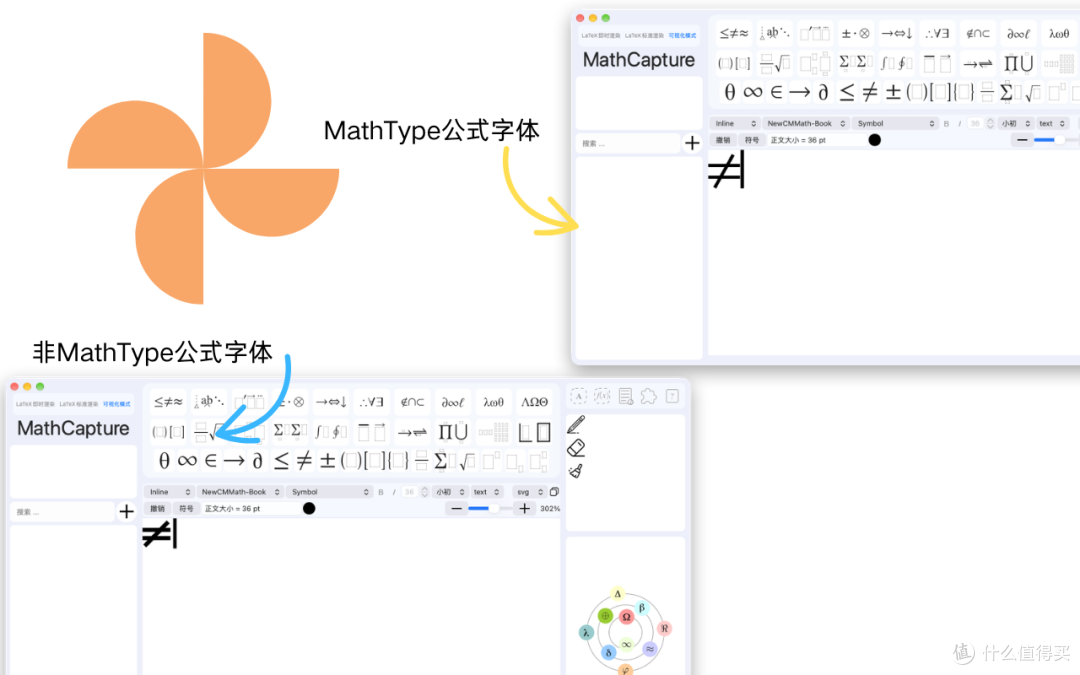
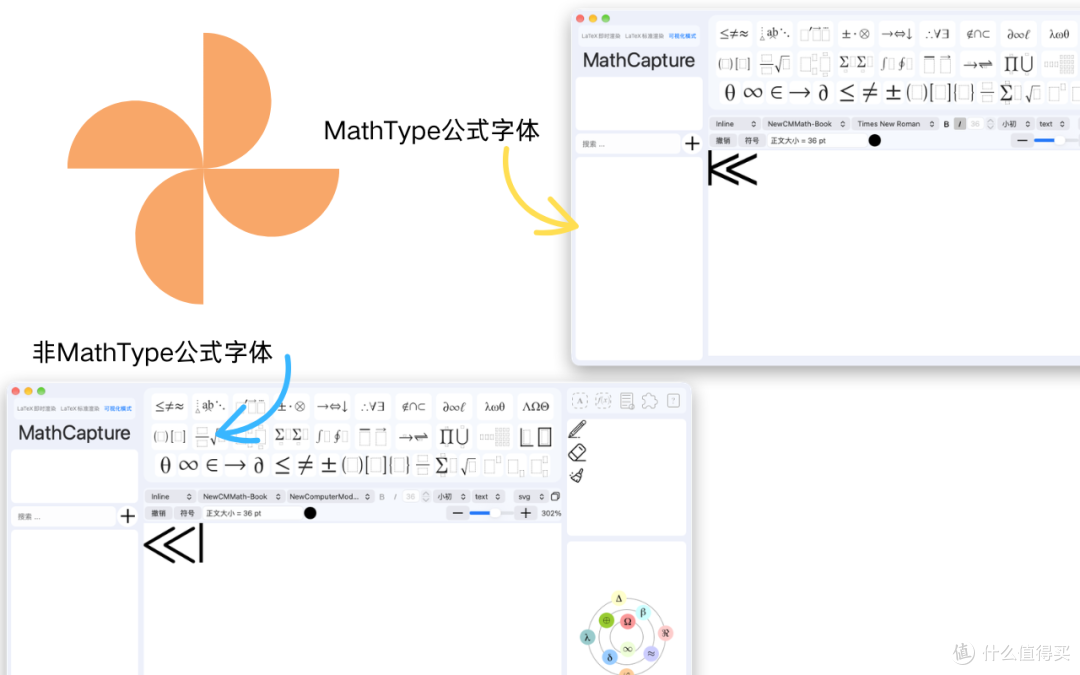
MathCapture 1.8.138版本已经上线,该版本新增一项新的功能:在MathCapture的可视化模式中使用MathType公式字体。
要使用MathType公式字体,我们需要按照如下方式操作
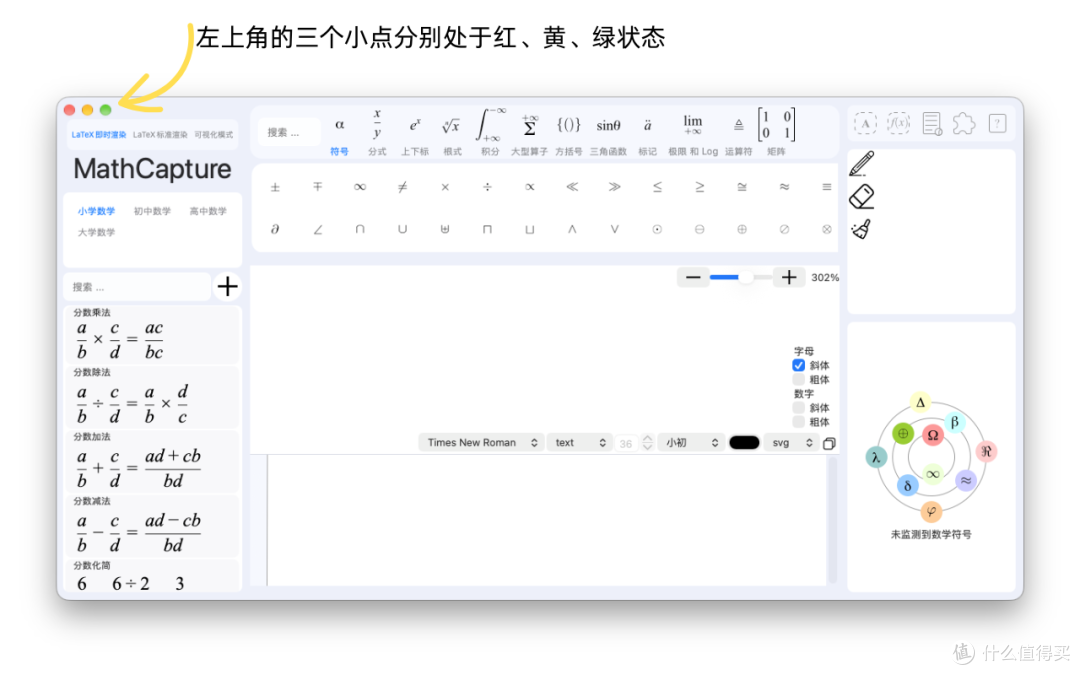
启动MathCapture,并确保MathCapture的窗口处于活跃状态(窗口左上角的三个小点分别是红、黄、绿)
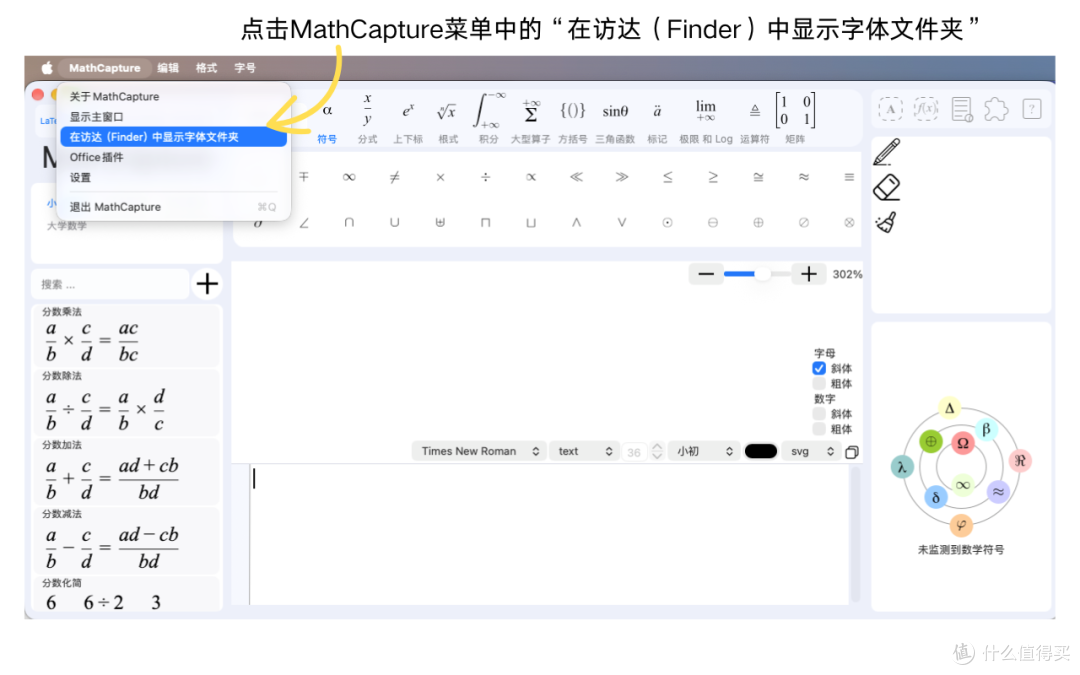
2.点击屏幕左上角的MathCapture菜单,并选择“在访达(Finder)中显示字体文件夹”。随后会自动打开一个文件夹(文件夹也叫做目录)。
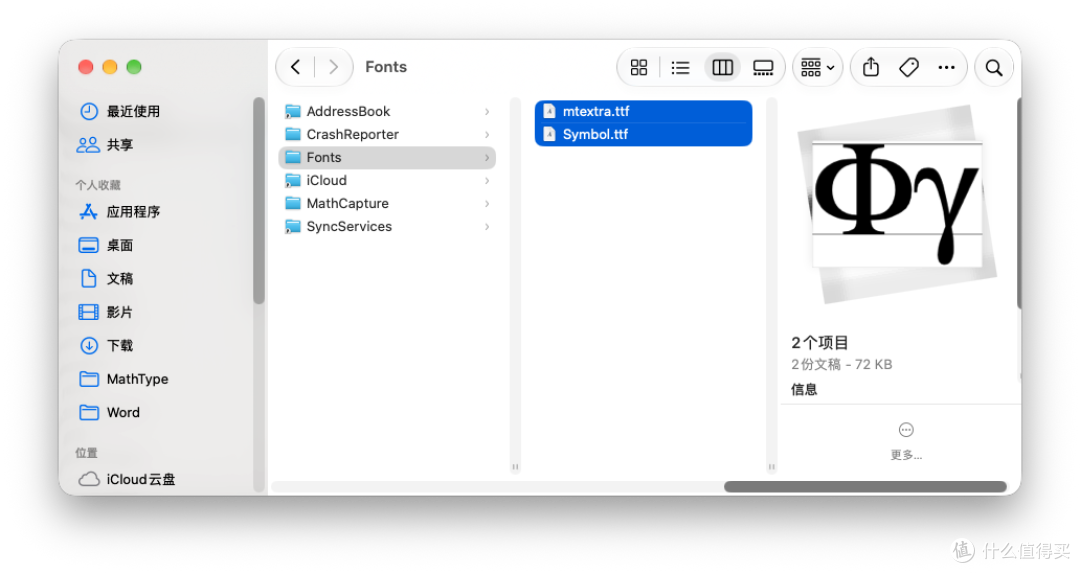
把MathType公式字体拷贝到文件夹中即可。
退出MathCapture,然后重新打开MathCapture。
目前仅支持MathType公式的Symbol字体和MT Extra字体。更多字体会在后续陆续支持。